Quick answer
Comparing PDFs requires inspecting their visible page layout as well as their words. A price update is a text difference; a moved logo, rotated page, or removed blank appendix is another kind of change. One checking method therefore does not explain every difference in the same way.
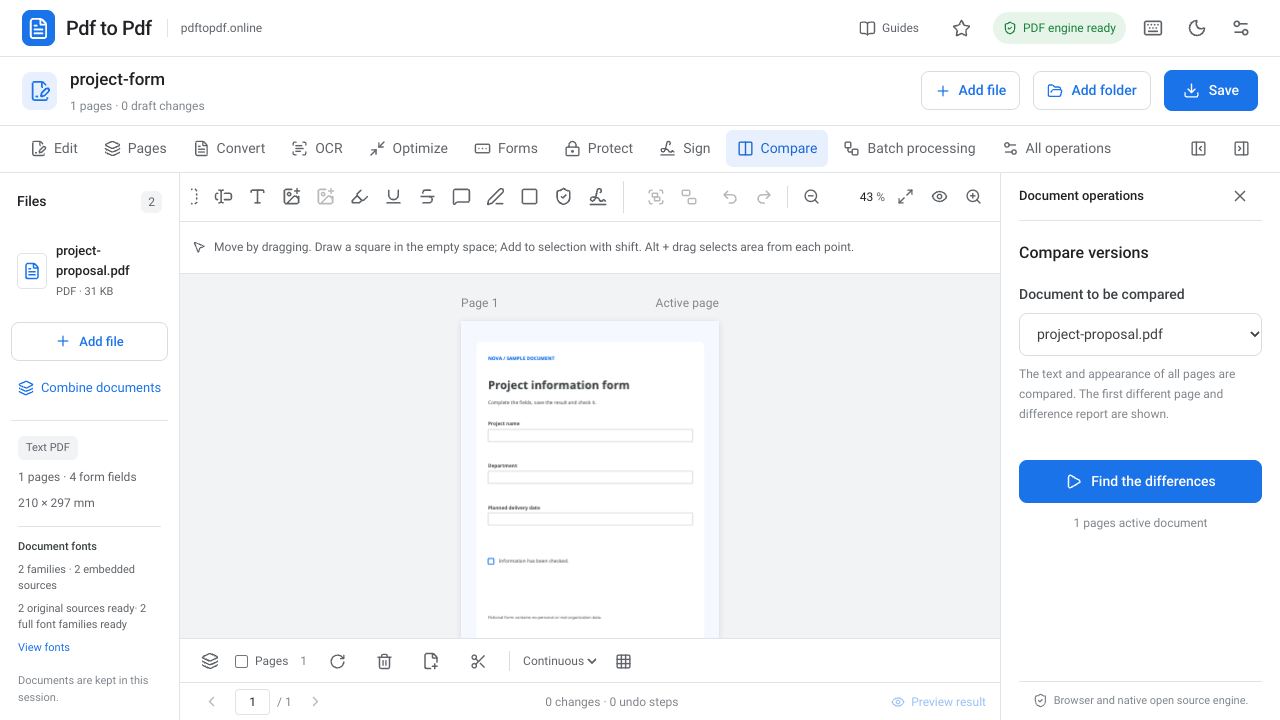
In Pdf to Pdf, add both files to the same session and select the reference document in the comparison panel. The system evaluates page text and appearance, then displays a difference report and the first different page. Interpret the report according to the document’s intended use when checking required changes.
What is in this guide?
Preparing the correct versions before comparing PDFs
Identify which file is the source and which is the new version first. For similar filenames, clear names such as “before” and “after” reduce confusion. Equal file sizes do not mean equal content, and different sizes do not necessarily mean there is a visible change.
Changes to page order matter. In a page-based comparison, adding a new cover can affect matching for all subsequent pages. Inspect total page counts and opening pages first. Understanding the document structure before reviewing content makes a large number of reported differences easier to interpret.
How to compare two PDF files
Both files must be present in the session for comparison. Choose the active document and reference carefully. Accidentally comparing two copies of the same file will not reveal the real version differences. When checking output saved after editing, take particular care to distinguish the new downloaded file from the reference.
- Open the PDF comparison tool and add both PDF files.
- Open the version you want to check as the active document.
- Select the other version in the document field of the comparison panel.
- Start “Find differences” and wait for the report.
- Inspect the first different page and the reported reasons.
- Verify important changes by zooming in on the same region in both files.
- If a difference is unexpected, review the operations to identify which change caused it.
Text comparison and visual comparison
Text comparison is useful for evaluating changes in extractable writing. However, the same word in a different font or a line moved elsewhere can alter appearance while the text content stays the same. Images, backgrounds, and lines also cannot be fully assessed through text checks alone.
Visual comparison evaluates the rendered appearance of pages, revealing changed logos, displaced text, and different backgrounds. Scans can also contain small differences caused by noise, compression, or rendering after another export. Review both the report and actual page to understand the cause of a visual difference.
Blank pages, page sizes, and rotation differences
Adding or removing a blank page changes document structure even when it contains only white space. A blank page may have been included intentionally so that the next section begins on the correct side in double-sided printing. Completely white pages therefore belong in the page-count check too.
The same content may have been transferred to a size other than A4 or the page may have been rotated. Pixel appearance alone does not explain the significance of that change. Comparison also considers page dimensions and rotation. If printing, delivery format, or presentation orientation matters, assess these differences as carefully as content changes.
How to evaluate scanned PDF versions
A scanned document may have no text layer. Visual comparison becomes more important in that case because signatures, stamps, or handwritten notes may not be represented in extracted text. If OCR-recognized words differ between versions, the difference may come from the source image or the recognition result.
Two scans of the same sheet can have different shadows, skew, and cropping boundaries. Do not assume every reported difference represents a content change. First inspect whether pages have the same orientation and framing, then compare meaningful areas such as names, amounts, dates, and signatures individually.
Using the difference report after editing a PDF
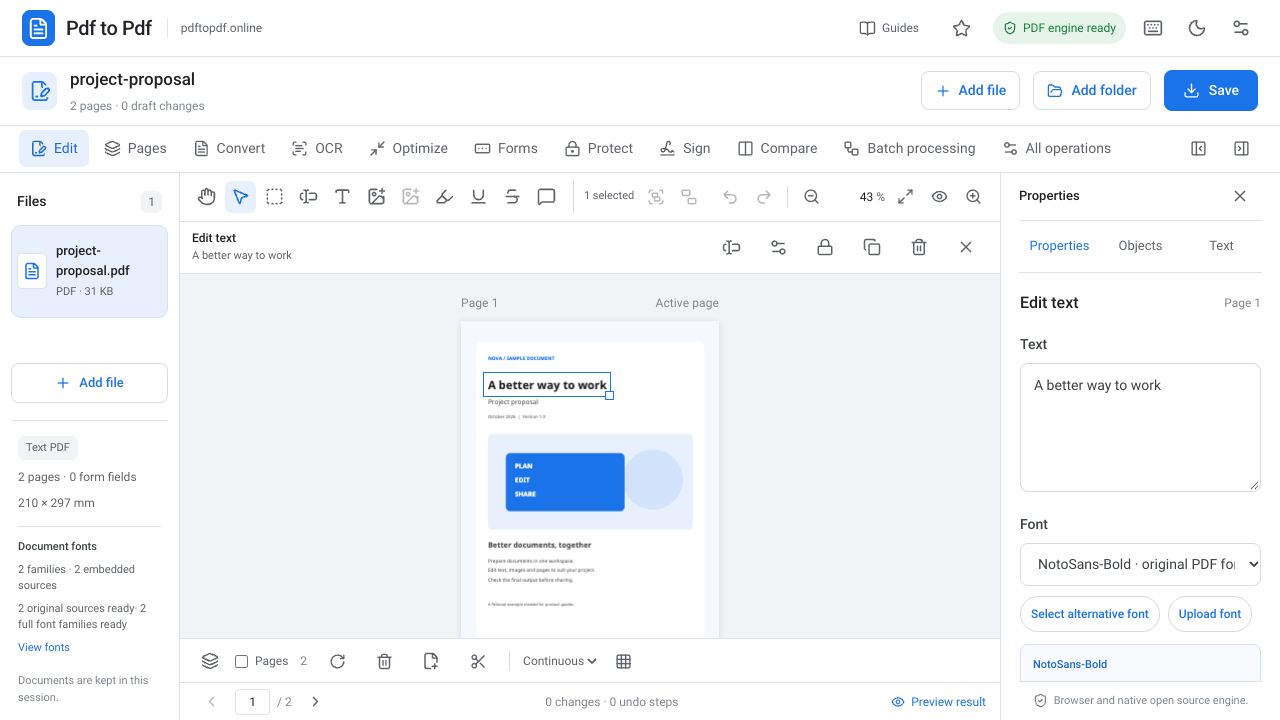
After changing text, the expected difference should be limited to the relevant word and the area it occupies. If a neighboring photograph or other pages appear to have changed, inspect them separately. Moving an image is expected to change its old and new locations; movement of unrelated objects is a different issue that needs investigation.
Breaking an editing sequence into small steps makes unexpected differences easier to trace. For example, keep intermediate outputs after changing text, moving an image, and finally adding page numbers. If the final file has a problem, you can inspect the relevant step rather than repeating the whole process.
- Are the total page count and order as expected?
- Is changed text correct, and are unchanged critical fields still in place?
- Was adding or removing a blank page intentional?
- Are page size and orientation differences appropriate for the target output?
- Have critical regions such as signatures, stamps, and tables been inspected separately?
Frequently asked questions
Are two PDFs identical if they contain the same text?
No. Images, layout, font appearance, page dimensions, and rotation may differ. Evaluate text and visual comparison results together.
Why does a blank-page difference matter?
A blank page can change page count and double-sided print layout. Appearing white does not make it structurally irrelevant.
Can two scanned PDFs be compared?
Their appearances can be compared. Without a text layer, text comparison has a limited scope. Signatures, stamps, and important fields need visual inspection too.
Does every visual difference mean content changed?
No. Rescanning, rendering details, or compression can also produce visible differences. Interpret the report together with page context and the document’s purpose.
Try this workflow on your document.
Open the appropriate tool in Pdf to Pdf, add your document, and check the result.
Compare two PDFs