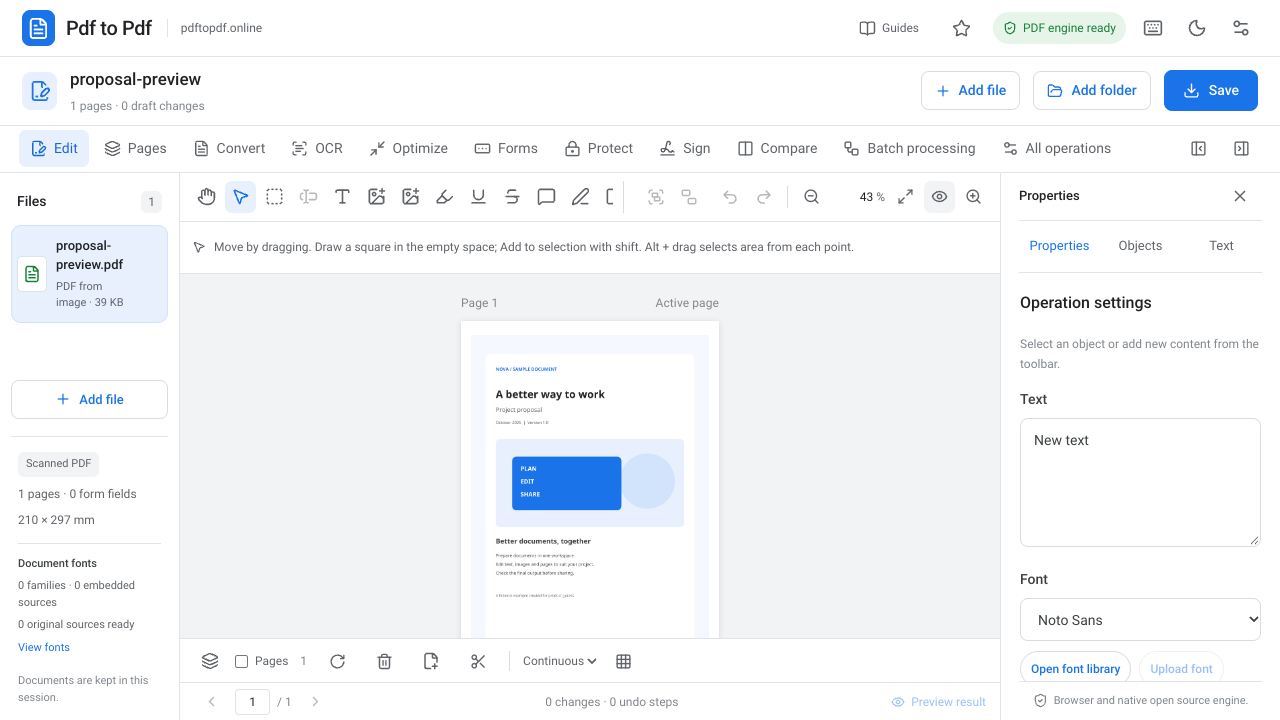
Free Online PDF Editor: Edit Text, Images and Pages
Learn how to edit a PDF online for free. Change existing text, add images, organize pages and carefully check your finished file before downloading.
Read the guidePdf to Pdf guides
Edit, merge, and convert. Learn the tools you need with real screenshots and step-by-step instructions.
PDF editing guide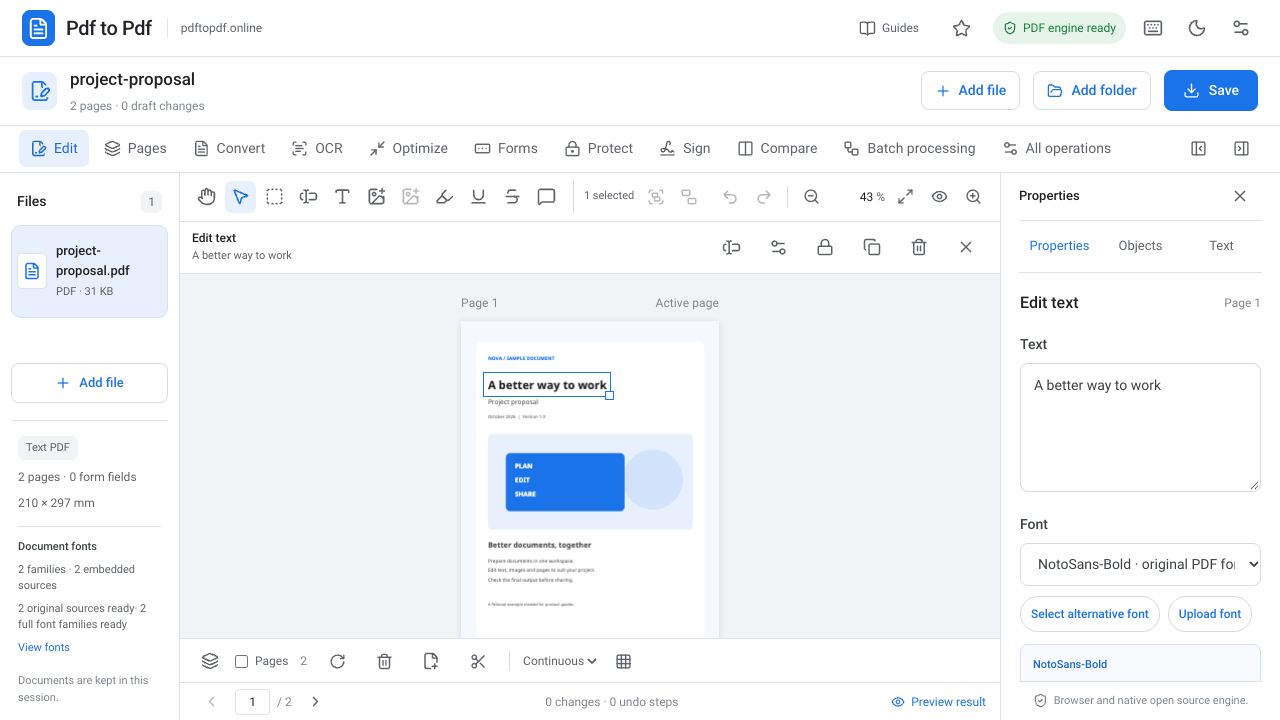
Work more easily with PDFs
20 guides
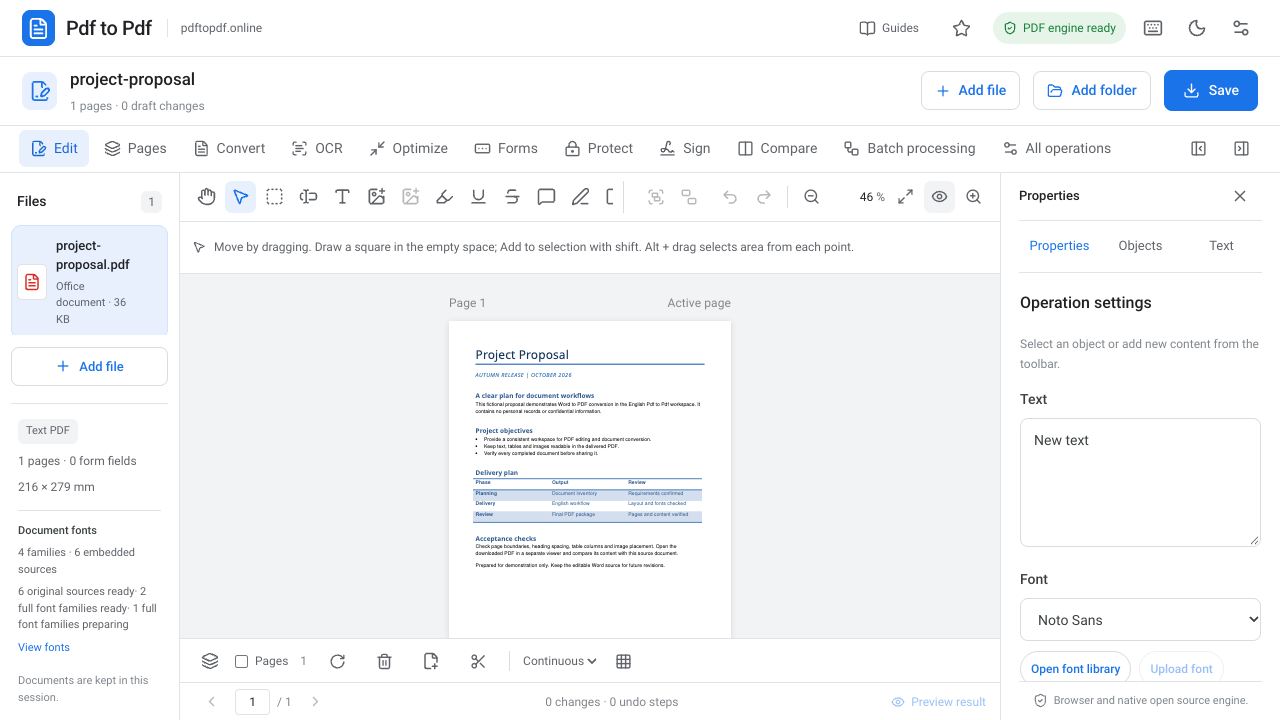
Learn how to edit a PDF online for free. Change existing text, add images, organize pages and carefully check your finished file before downloading.
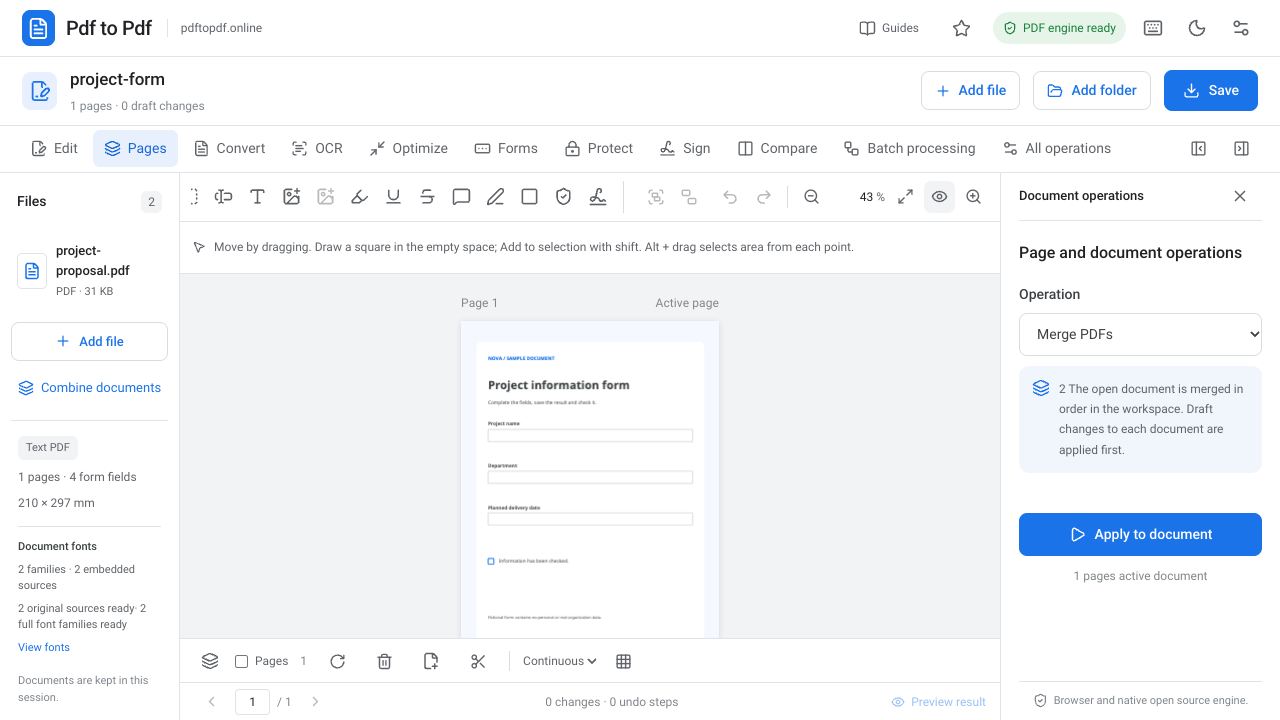
Read the guideLearn how to merge PDF files online. Put documents in the right order, apply draft edits and combine multiple PDFs into one complete document.
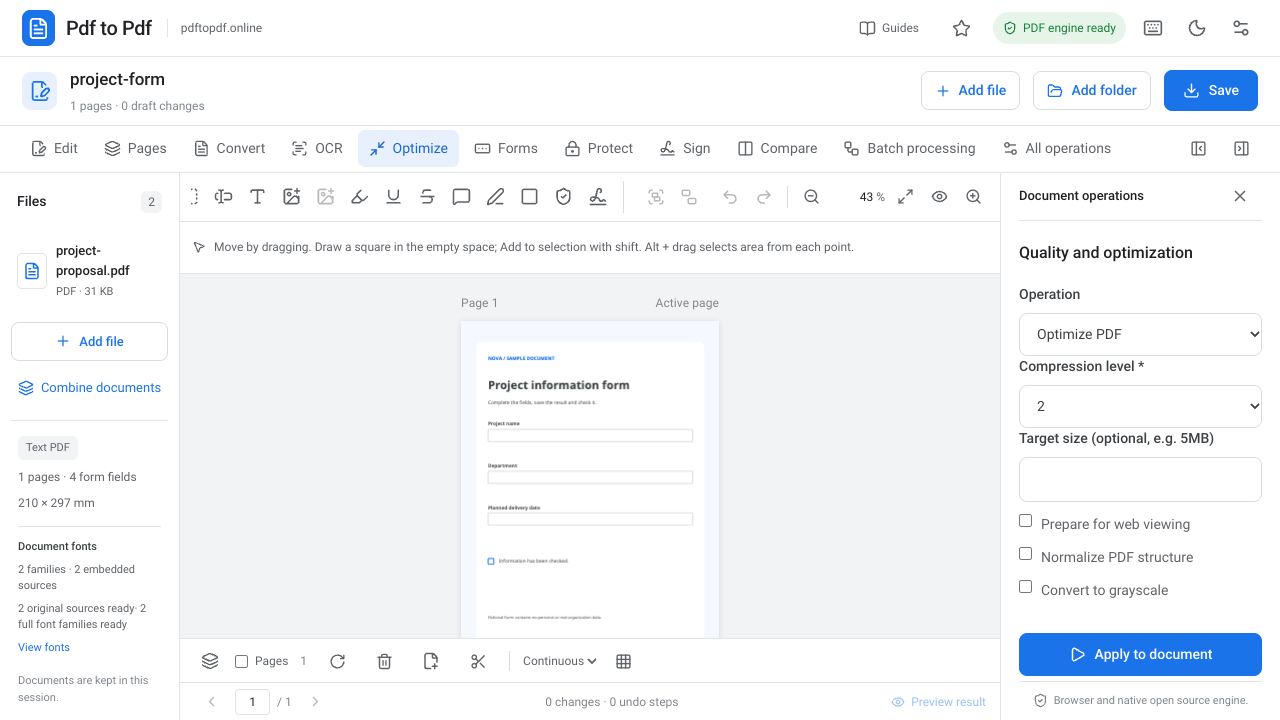
Read the guideChoose the right method to compress a PDF. Learn lossless optimization, compression levels, target file sizes and readability checks step by step.
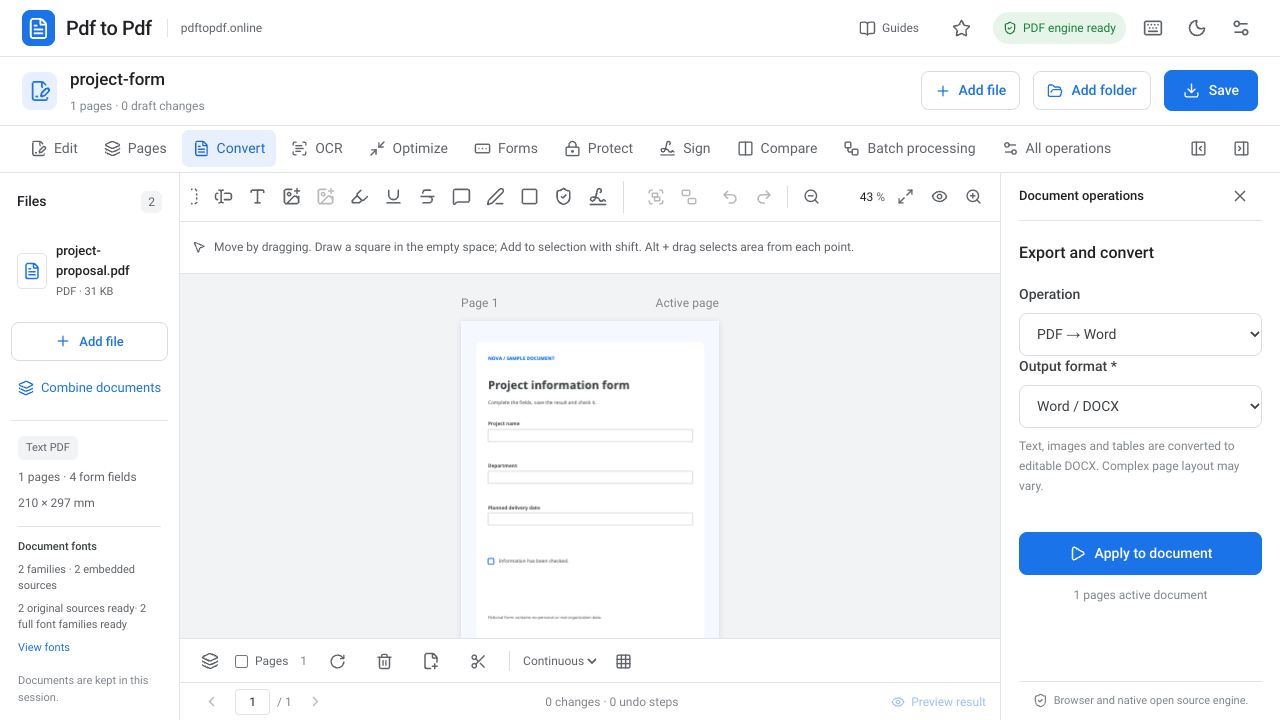
Read the guideConvert PDF text into an editable Word document online. Learn output checks for scans, tables, fonts and page layout before editing or sharing the DOCX.
Read the guideImport a DOC or DOCX file into the studio and prepare a PDF copy online. Check fonts, tables, images and page endings before sharing the finished result.
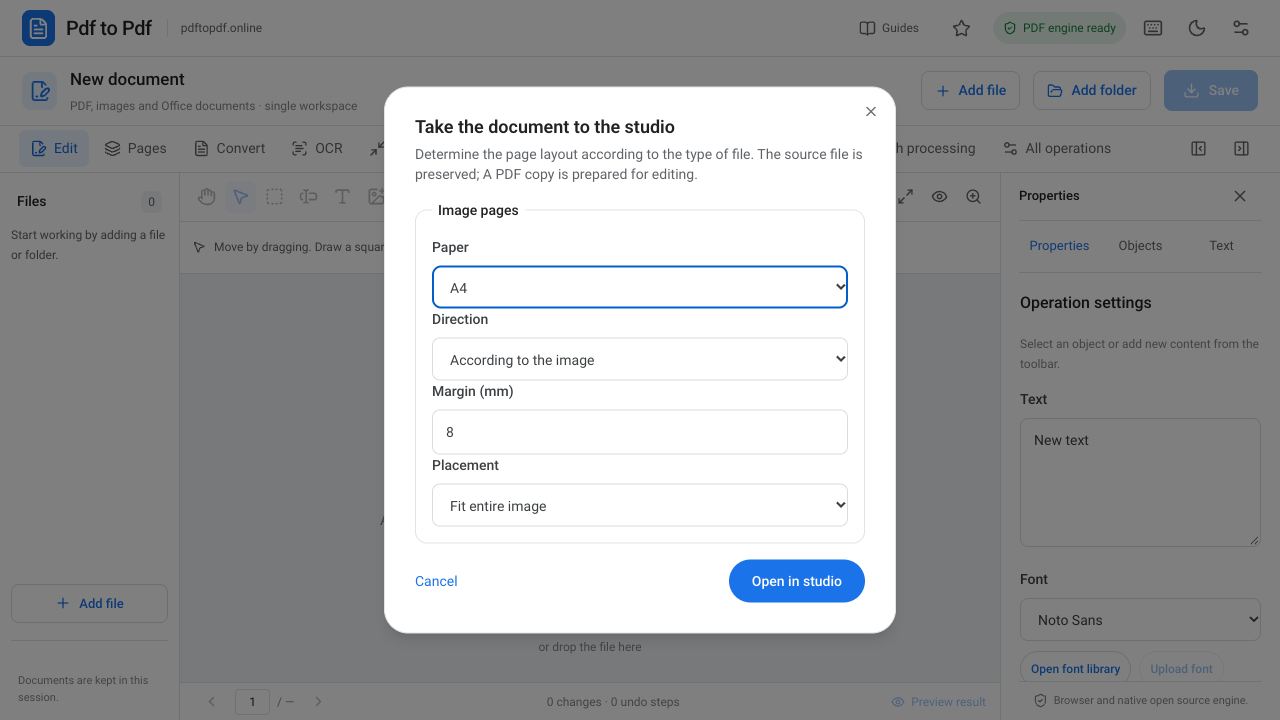
Read the guideConvert JPG photos into one readable PDF online. Choose paper size, orientation, margins and image fitting settings before creating and sharing your document.
Read the guideConvert PDF pages to JPG or PNG images online. Learn how to choose an image format, set DPI and page range, and download multiple pages in a ZIP archive.
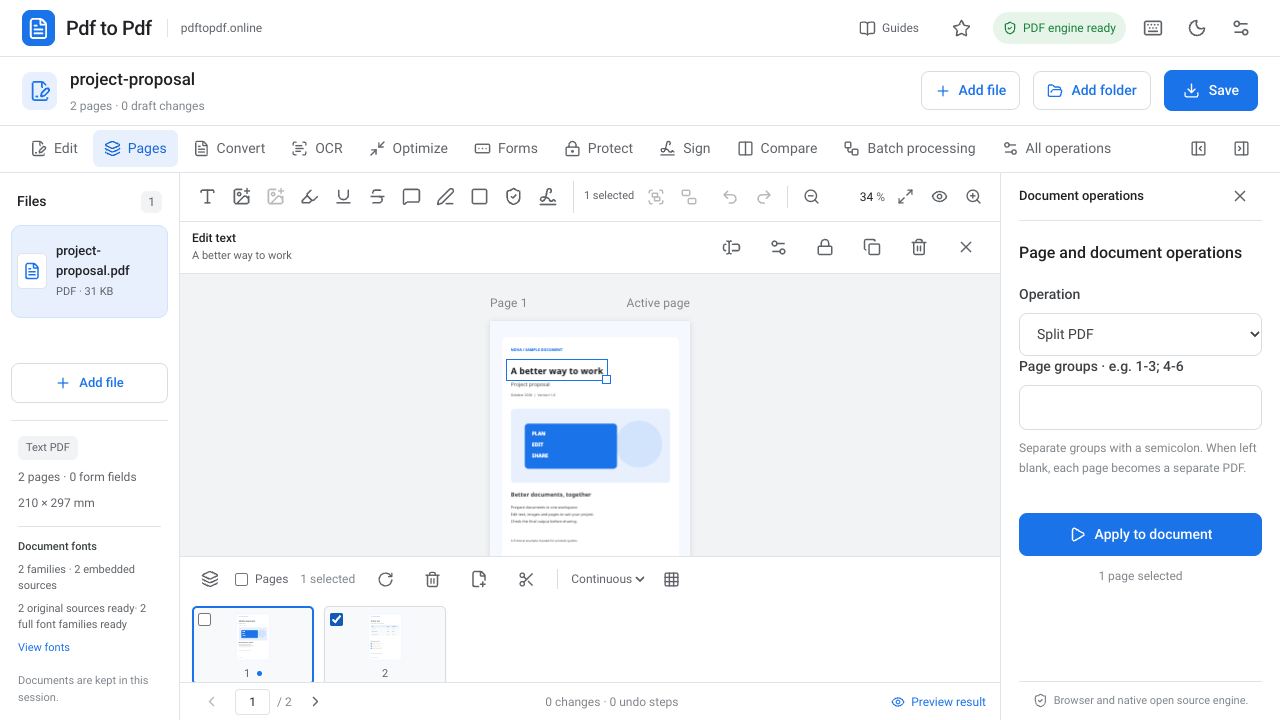
Read the guideSeparate PDF pages online for free and split selected ranges into new files. Learn page groups, ZIP output and how to choose and verify the correct pages.
Read the guideRemove blank or unnecessary PDF pages and change page order. Learn how to use the page strip, multiple selection and output checks step by step.
Read the guideRotate sideways or upside-down PDF pages in 90-degree steps. Learn single-page and multiple-page selection and verify your saved PDF output.
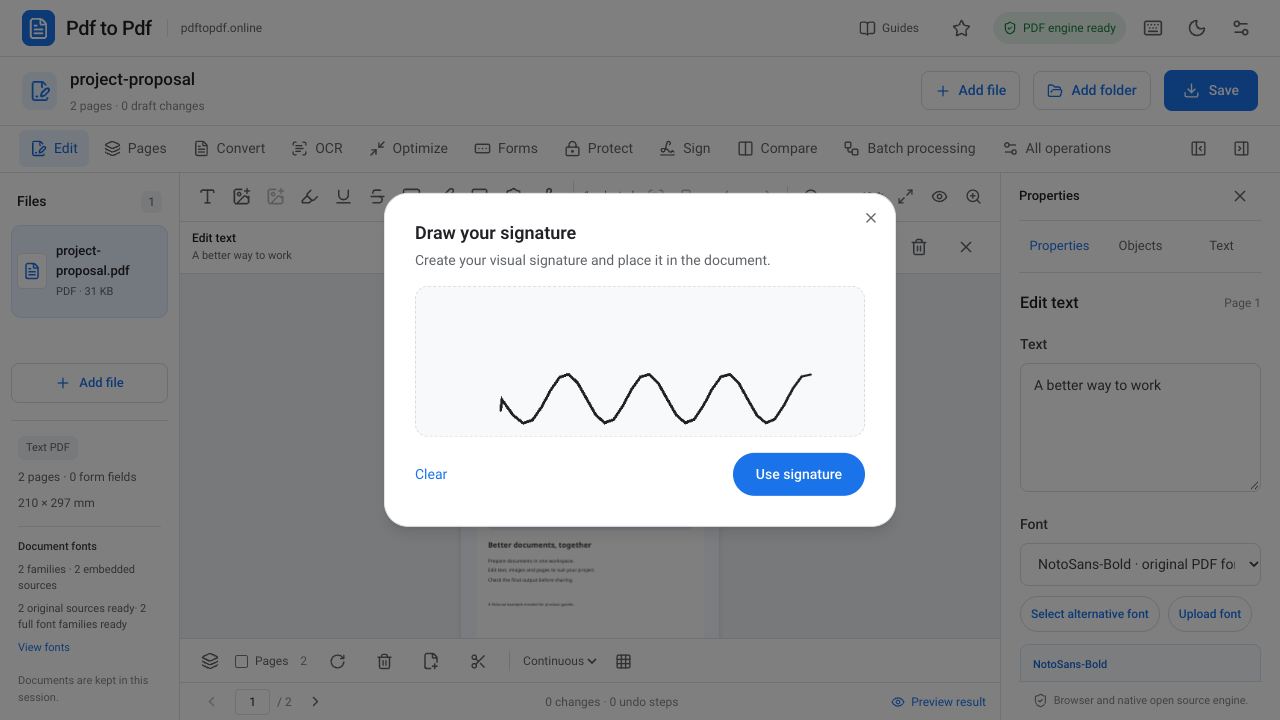
Read the guideLearn how to draw and add a visual signature to a PDF. Check placement, size and output, and understand its difference from a certificate signature.
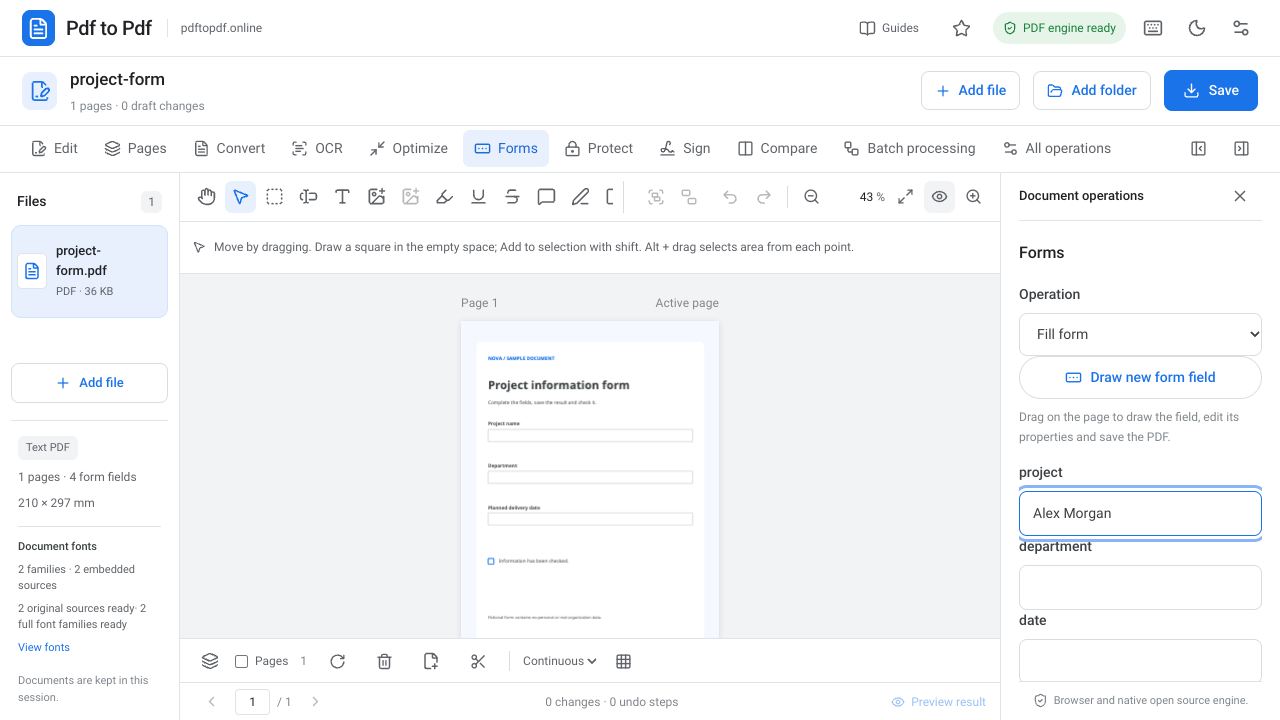
Read the guideComplete fillable PDF fields, text boxes and checkboxes online. Learn how to handle scanned forms, add new fields and check your saved document before sharing.
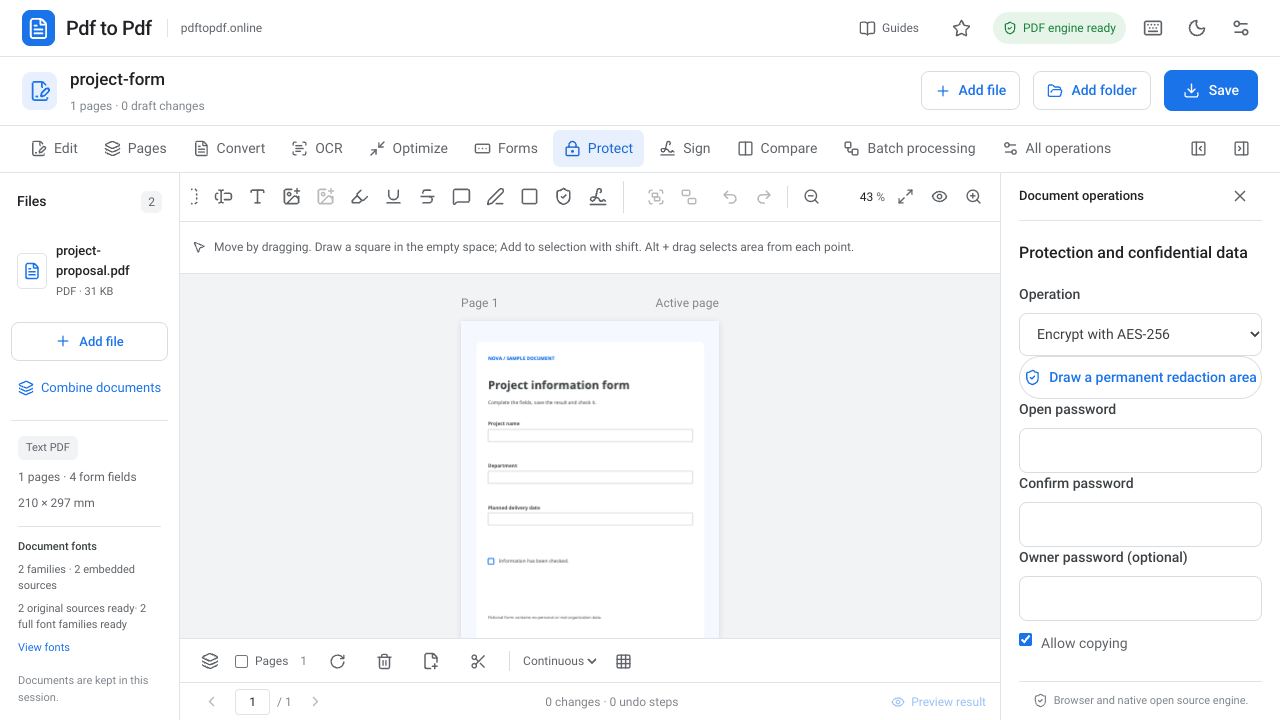
Read the guideAdd a PDF opening password, set an optional owner password and manage copying permissions. Learn how to verify your AES-256 encrypted output.
Read the guideRemove PDF protection using a password you know and prepare a working copy. Learn password types, operation steps and how to check and store the unlocked output.
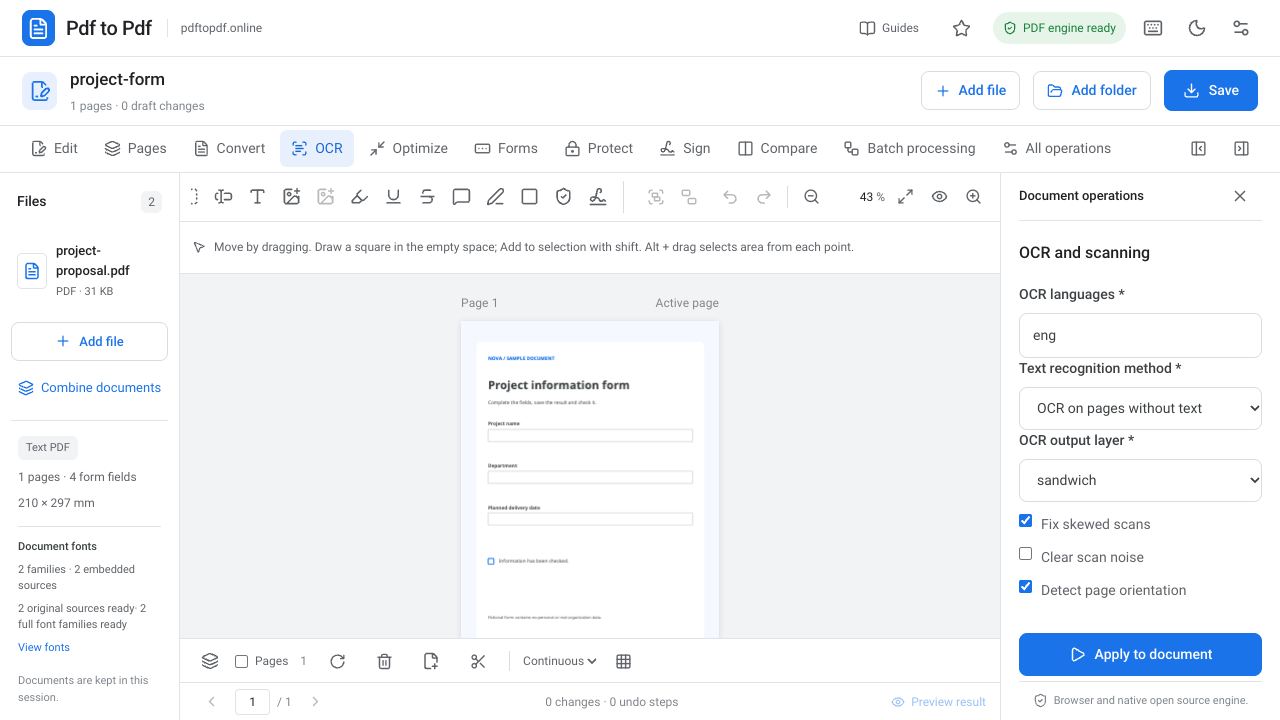
Read the guideRecognize scanned PDF text with OCR. Choose the right language, correct skewed scans, add a searchable text layer, and verify names, numbers, and output.
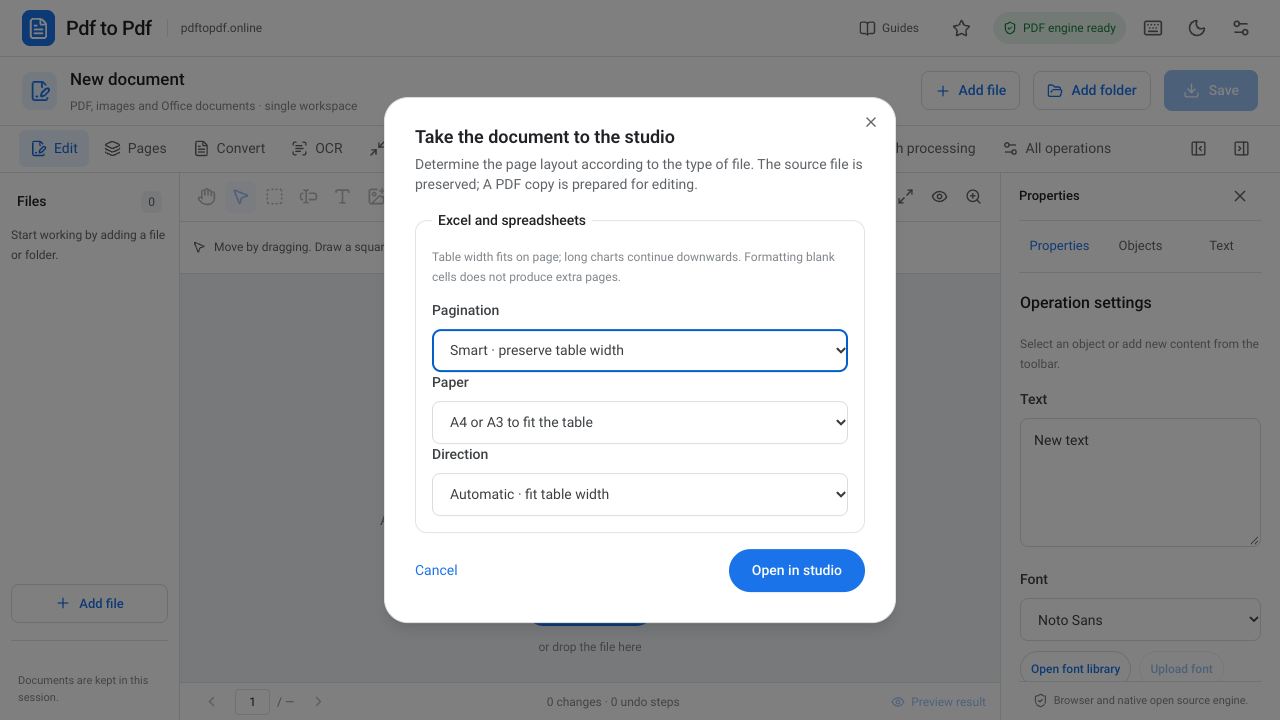
Read the guideConvert Excel to PDF and fit your spreadsheet to the page. Learn smart pagination, A4 and A3 paper, landscape orientation, and how to reduce blank pages.
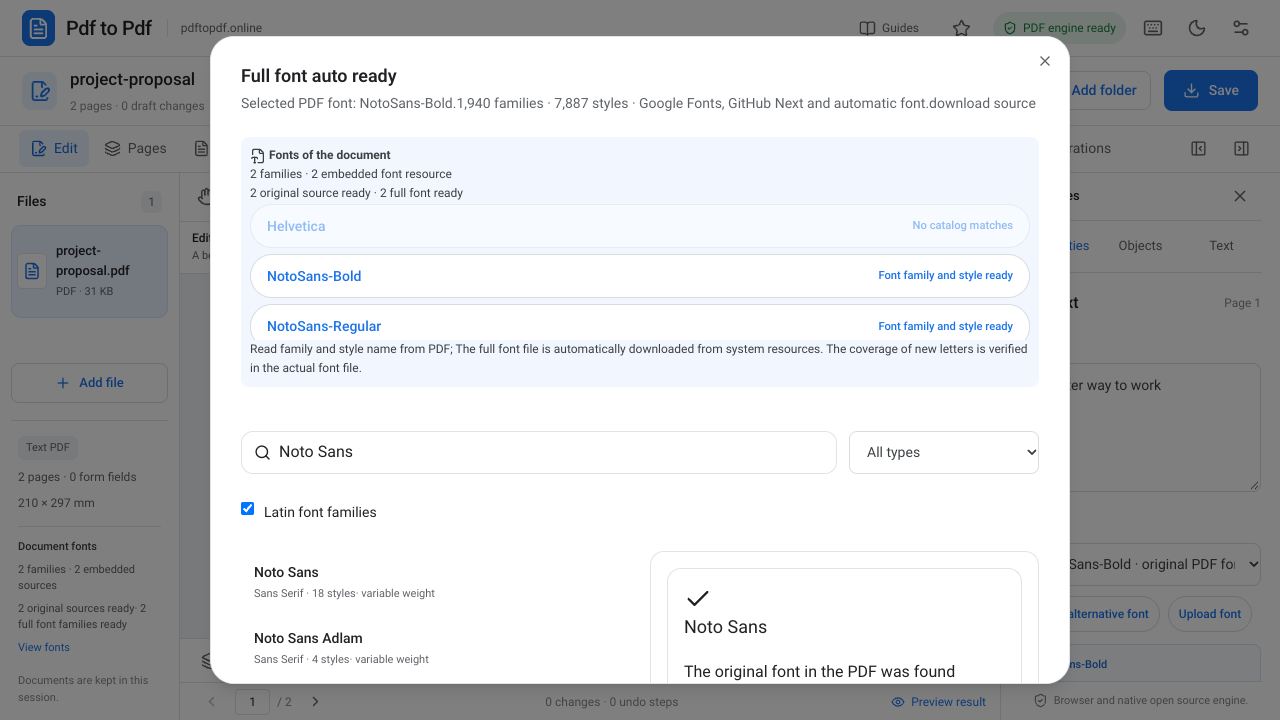
Read the guideEdit existing PDF text while preserving its font, size, and position. Learn automatic font matching, international character support, and output checks.
Read the guideAdd a logo or photo to a PDF, or select and resize existing images. Learn to preserve proportions, crop images, select layers, and check output sharpness.
Read the guideAdd PDF watermarks and page numbers. Adjust text, opacity, angle, starting number, and page range, then check readability across different page sizes.
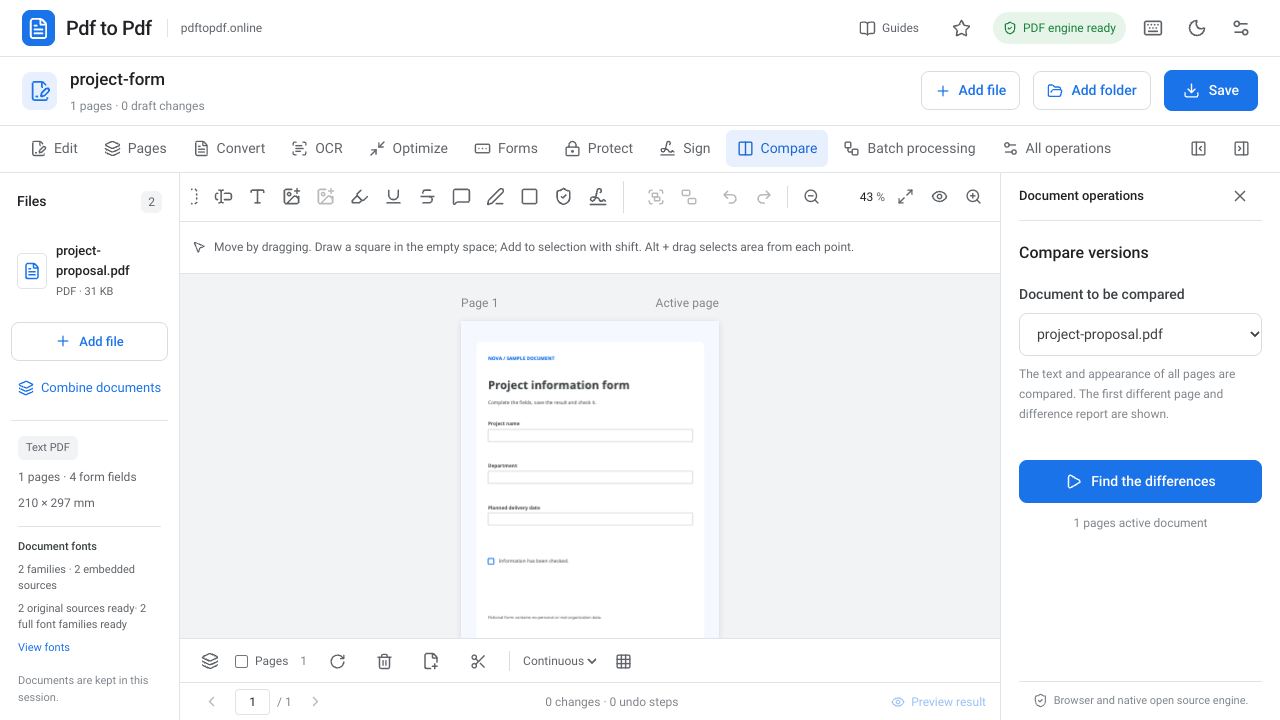
Read the guideCompare the text and appearance of two PDFs. Learn to interpret changed pages, page dimensions, rotations, and blank-page differences with practical checks.
Read the guideRead, then try it on your document
Open your document, choose a tool, and download the result.
Help us improve this page with a quick rating.
Loading ratings…